16:9 standard
- Width
- 39.22 in (99.6 cm)
- Height
- 22.06 in (56 cm)
- Diagonal
- 45 in (114.3 cm)
- Area
- 865.3 sq in (5582 cm²)
A 45-inch display changes shape depending on aspect ratio. Use these measured dimensions to estimate desk fit, screen area, and adjacent-size or ultrawide alternatives.
A 45-inch 16:9 monitor is about 39.2 inches wide and 22.1 inches tall, before bezels or the stand. To fill a relaxed 30-degree view, sit about 73 inches (185 cm) away; about 54 inches (137 cm) fills an immersive 40 degrees. For a 45-inch monitor, aspect ratio matters more than the diagonal: 21:9 OLED, 5K2K, and 32:9 panels have very different width, height, and desk-depth needs.
Useful when 34 inches feels too small but 49 inches feels too wide or too specialized.
A 45-inch monitor can fit by width but still feel too close on shallow desks.
A 45-inch 3440x1440 panel prioritizes size and immersion; 5K2K adds sharper text and more room for windows.
A 45-inch monitor can mean a large 21:9 OLED ultrawide, a newer 5K2K work/gaming panel, or a 32:9 super-ultrawide. The diagonal is not enough: compare it against 40-inch 5K2K, 38-inch ultrawide, 34-inch ultrawide, and 49-inch super ultrawide.
The page to check before replacing a normal 32-inch display with a much wider super-ultrawide.
45-inch OLED panels can feel very different depending on whether they are UWQHD or 5K2K.
Browse side-monitor, ultrawide, super-ultrawide, and dashboard layouts built around the 45-inch class.
40.9 x 17.5 in screen, about 84 PPI.
40.9 x 17.5 in screen, about 84 PPI.
41.4 x 17.7 in screen, about 83 PPI.
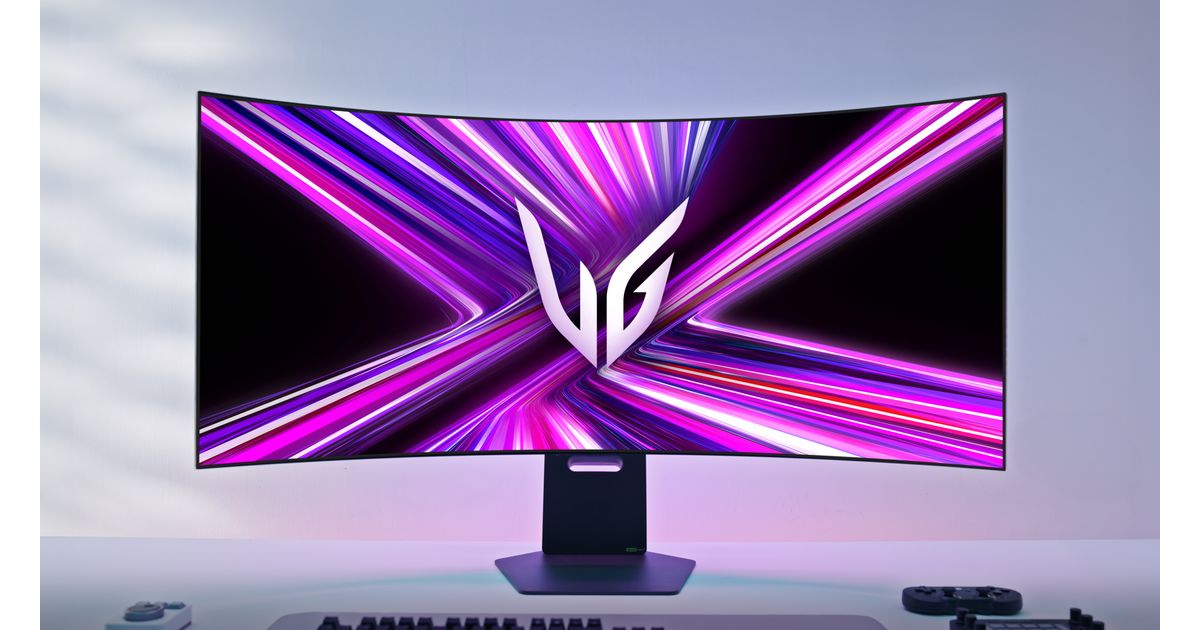 Image: LG Electronics Nordic
41.5 x 17.5 in screen, about 123 PPI.
Image: LG Electronics NordicAs an Amazon Associate I earn from qualifying purchases.