Monitor dimensions
LG UltraGear OLED 27GR95QE-B
The LG UltraGear OLED 27GR95QE-B is a 26.5-inch 16:9 monitor (2560 x 1440, 240Hz). Its screen is about 23.1 x 13 inches (58.7 x 33 cm), and 23.8 x 22.6 x 10.2 in with the stand. Check the desk footprint and setup fit below before you buy.
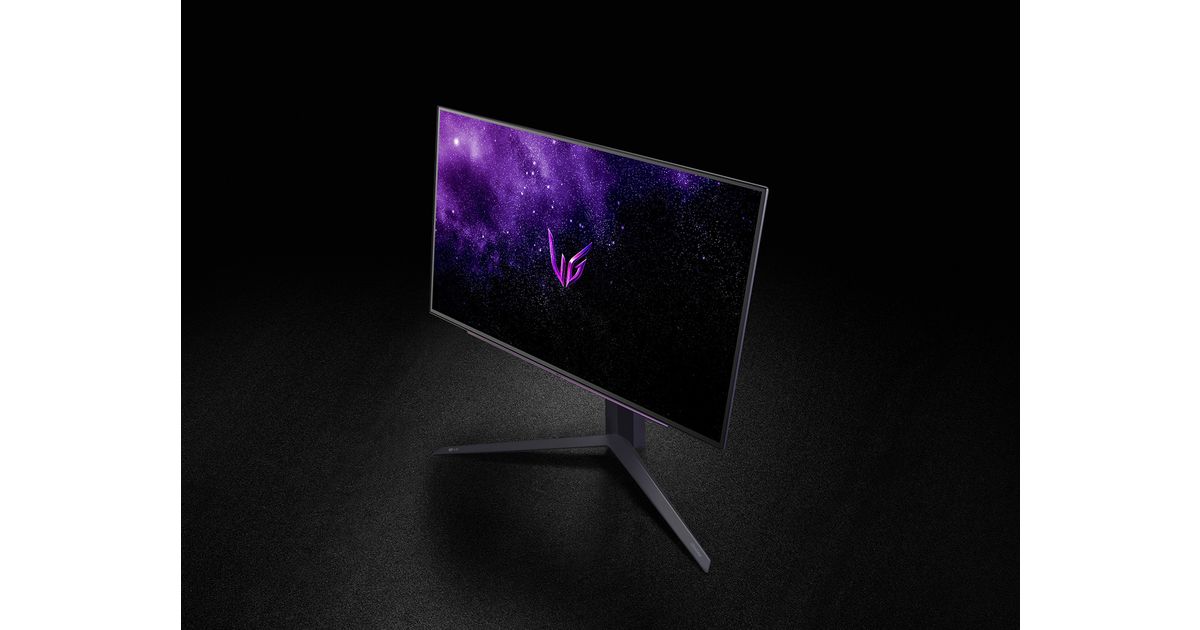 Image: LG Electronics Nordic
Screen width
23.1 in
Screen height
13 in
Screen area
300 sq in
Pixel density
111 PPI
Desk fit
How much space this screen uses
The visible panel is about 23.1 inches wide and 13 inches tall. Use those dimensions to check desk width, monitor-arm clearance, viewing distance, and whether another display can sit beside it.
Desk body width
23.8 in
Stand depth
10.2 in
Compare class
16:9
Display specs
| Size | 26.5 in |
|---|---|
| Display class | 16:9 |
| Aspect ratio | 16:9 |
| Resolution | 2560 x 1440 |
| Refresh rate | 240 Hz |
| Panel type | WOLED |
| Curve | Flat |
| Surface | anti-glare |
Body and stand dimensions
| With stand | 23.8 x 22.6 x 10.2 in |
|---|---|
| Without stand | Not specified |
| Stand depth | Not specified |
| Weight | Not specified |
| Weight without stand | Not specified |
| VESA | Not specified |
| Height adjustment | Not specified |
How it compares
Shape and desk numbers for the LG UltraGear OLED 27GR95QE-B
On a 72 x 30 in desk
33% of the width
The listed chassis is 23.8 in wide (60.5 cm), leaving 48.2 in of a 72-inch desk; the listed depth of 10.2 in uses 34% of a 30-inch-deep desk. The setup builder starts with this desk.
References
Product details can vary by region and retailer. Confirm current availability, included stand, and final dimensions on the linked product pages before purchasing.
Similar monitor dimensions
Compare this product against other monitors with nearby size, aspect ratio, or use case before assuming the same class takes the same space.